

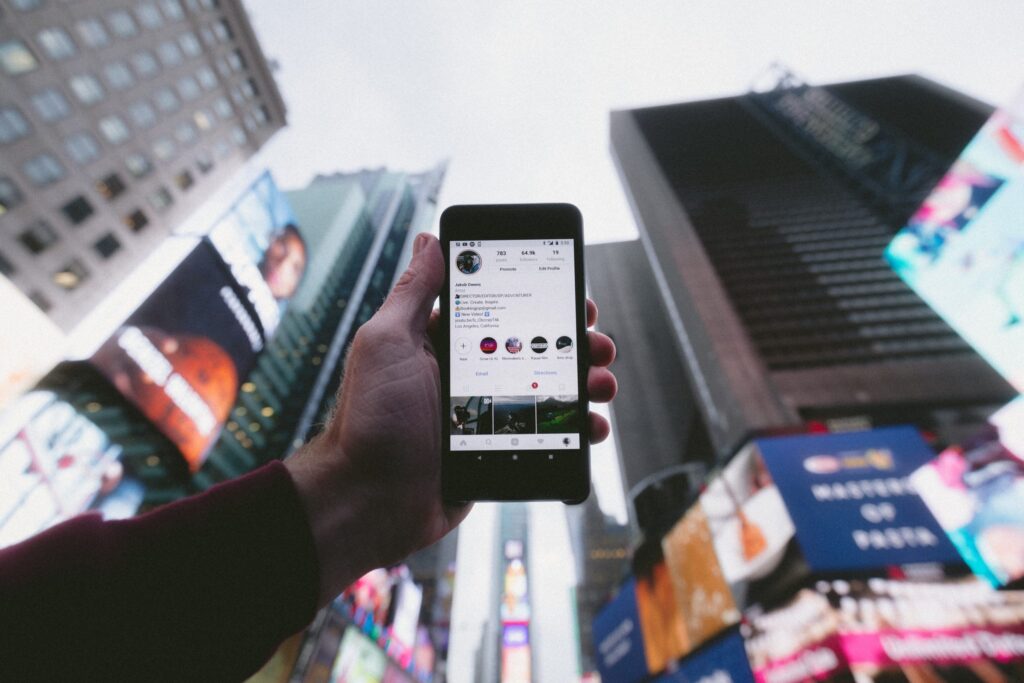
A few months ago, Instagram launched a new section of Guides, But it wasn't until recently that they began to function.
You might be wondering: Why didn’t I notice this if the feature has been around for months? The answer is very simple—until now, you couldn’t! Instagram Guides were launched during the first wave of COVID-19 so that major accounts could group together posts on health and wellness topics. To see if the idea would be well-received, a few relevant accounts were handpicked. Since it was a great success, the app has decided that All users can create guides on Instagram on whatever topic we choose. 🥳
To be completely honest, Instagram guides seem really useful. We'll finally be able to group similar posts publicly, just like we can with saved posts. Plus, now that any user can create them, creates incredible designs and organize them into guides—let your creativity flow!
Thanks to the new Guidelines, any user can easily find the account's topic—fashion, health, tips, travel…—and get an idea of the content. This isn't just useful for your followers, it is also useful for you. Grouping your posts can be a good way to manage your content. If the post you're thinking of uploading doesn't fit into any of your guidelines… don't upload it! It means it doesn't fit with the type of content you want to share.
How do you create an Instagram guide?
Creating an Instagram guide is very easy. First of all, you should Update the app, on both iOS and Android. Once you have the latest version, you can start exploring the world of guides!
Where are they created?
Just like any other post, it is created from the symbol more (+) located in the upper-right corner of your profile. Of all the options that appear, the last option is to create guides.

Guides Menu
Once the guides menu has opened, the following will appear 3 options:
- Places:
This option lets you share posts from the places you've liked the most. They don't have to be your own posts. Be careful about the people and posts you add to guides like this.
- Products:
It lets you curate your favorite products from stores on Instagram. It's very useful for creating a wish list or subtly recommend brands to your followers.
If you have an online business, it's also very useful. Once you've created the guides, when you add a new product to your Instagram Shop, it will be added to the guide for similar products.
- Publications:
That was the main idea behind Instagram. As social media experts, we believe it's the best option for online businesses. We'll explain it in more detail.
Publications Guide
Like all Instagram guides, it's based on posts that have already been made, except in this case they are in-house publications or posts you've saved. In other words, to create a post guide, you need to have the posts.

The first thing the publication guidelines ask us to do is select the publications that we want to include and create a brief description, a title for the guide and, optionally, a title for each selected post. This way, the app itself will include automatically to the guides and publications we produce on that topic.

As you might expect, you can share the content of the guides with your followers via direct message and through the stories. What are you waiting for? Create your own Instagram guides and share them with the world! 🤩 Need help? Get in touch with us!